Taming the Vega Frontier Edition
Building a silent 14B AI inference server in K3s
Building a silent 14B AI inference server in K3s
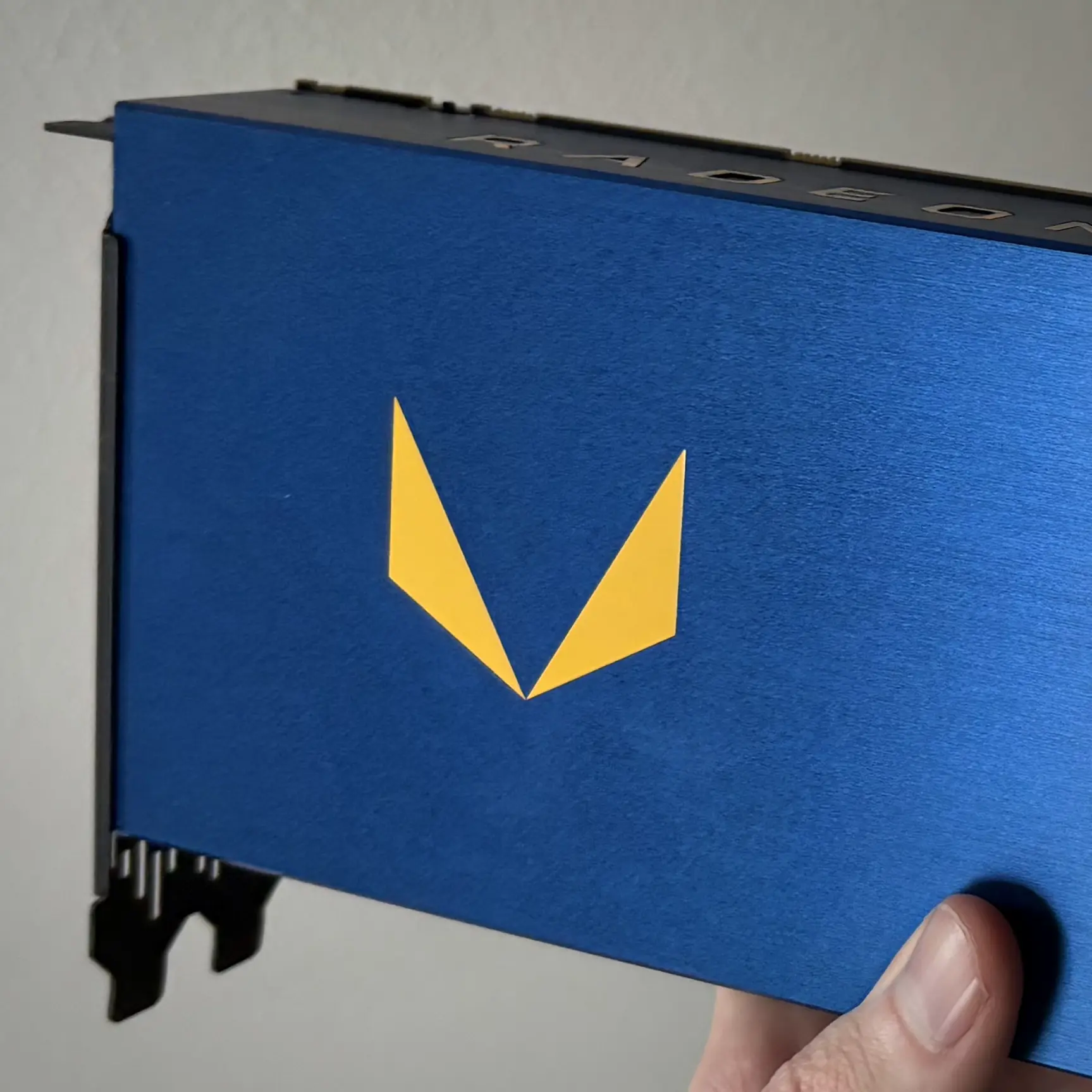
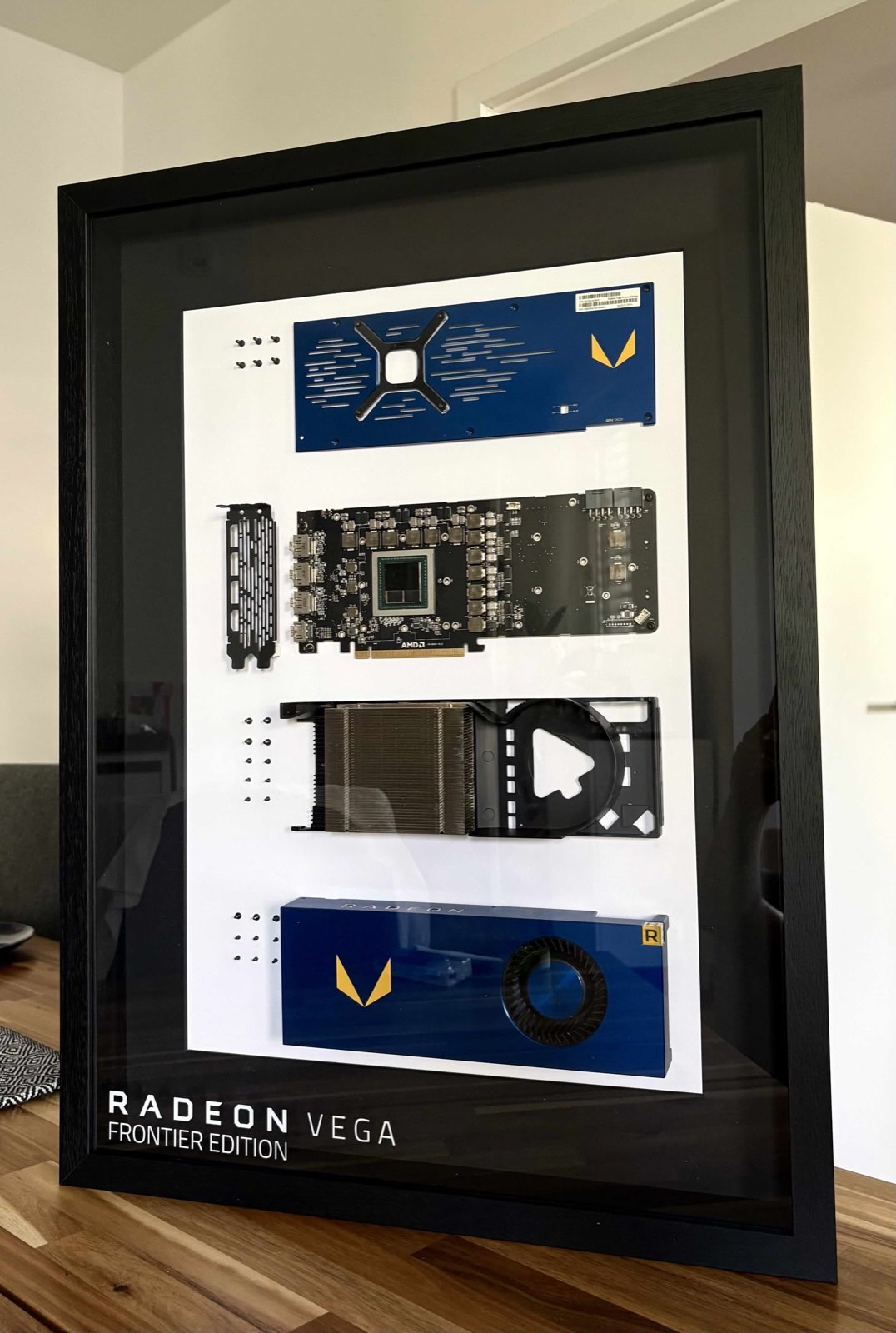
The AMD Vega Frontier Edition is a legacy workstation card from 2017. It is similar to the Vega 64, but it features 16GB of HBM2 VRAM, as opposed to 8GB on the regular Vega cards.
These cards ran hot, drew a lot of power, and sounded like a jet engine under load. However, they were also very good for compute workloads, and the 2048-bit memory bus works well for local AI experiments.
Large Language Model (LLM) inference, specifically single-user generation at 4-bit quantization, is almost entirely bound by memory bandwidth rather than raw compute logic. The Vega's 483 GB/s memory bandwidth means it theoretically has the pipeline to process 14-billion parameter models effectively. Getting a completely silent, K3s-native inference server for my home office meant working around the original thermal and power inefficiencies.
Getting there meant capping the power limit, replacing the thermal pads, and writing a fan controller. The result was a sustained 15-17 tokens/s on qwen2.5:14b-instruct-q4_K_M with the blower fan near-silent.
The Vega Frontier Edition is built around AMD's Vega 10 die, fabricated on GlobalFoundries' 14nm FinFET LPP process. The die measures approximately 495 mm² and packs 12.5 billion transistors. It is one of the largest monolithic GPU dies of its generation.
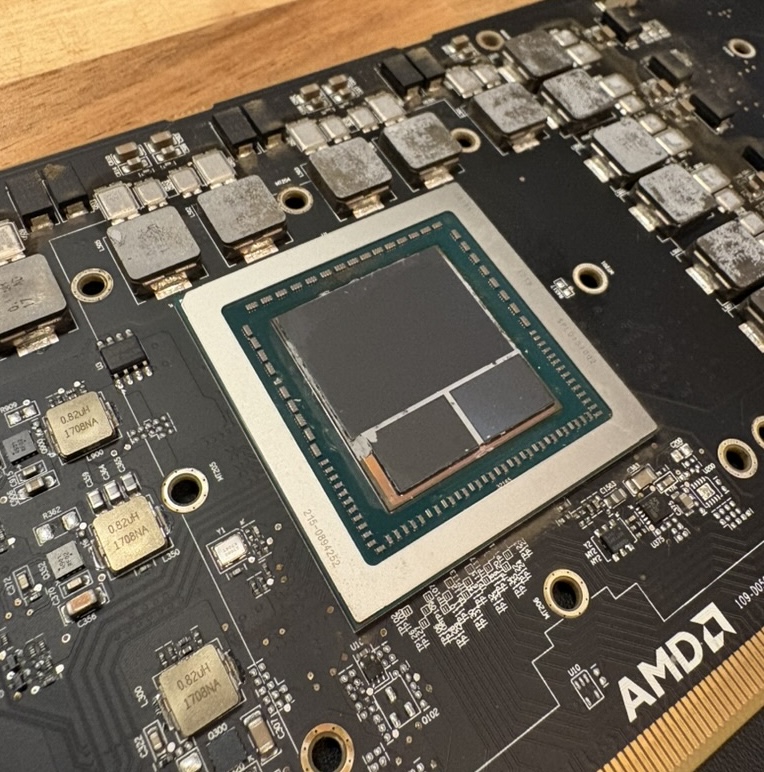
The interesting part of the die shot is the HBM2 memory subsystem. Rather than GDDR memory mounted on the PCB, two HBM2 stacks are placed on the same package interposer as the GPU die itself. Each stack provides 8 GB of VRAM, totalling 16 GB and 483 GB/s, roughly four times the bandwidth of contemporary GDDR5 cards at a fraction of the PCB area. That bandwidth is why a 2017 card was still worth running for inference.
The card lives inside a Lian-Li Dan Case A3 that sits quietly in a home-office cupboard.
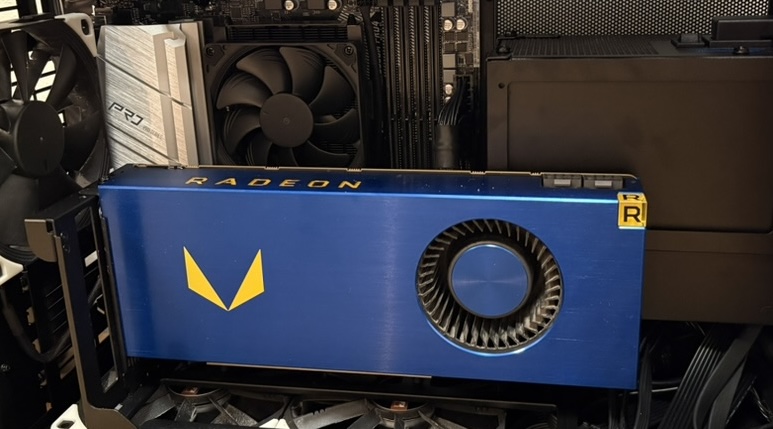
AMD pushed the 14nm Vega silicon way past its optimal efficiency node at the factory to compete in raw compute benchmarks. Pushing 250W into the card yields massive amounts of thermal waste for very little compute gain. (Some Vega 64 cards even had a thermal limit of 300W which could be tuned to 330W)
To find the absolute sweet spot for my inference workload, I executed an example prompt directly inside my containerized Ollama instance via the K3s control plane, capping the host-level Package Power Tracking (PPT) at various intervals. The goal was to measure Tokens per Watt (Tokens/Joule).
| Power Limit | Tokens/s | Efficiency (Tokens/Watt) |
|---|---|---|
| 90.0 W | 11.08 t/s | 0.123 T/W |
| 95.0 W | 12.88 t/s | 0.136 T/W |
| 100.0 W | 16.88 t/s | 0.169 T/W (Peak Node) |
| 110.0 W | 17.81 t/s | 0.162 T/W |
| 250.0 W | 23.35 t/s | 0.093 T/W |
At 90.0W, the memory controller didn't have enough voltage overhead and downclocked its P-state, cratering performance. Above 110.0W, efficiency rapidly degraded. By strictly capping the power limit to 100.0 W, I secured the highest compute-to-waste ratio. Setting this via sysfs:
echo 100000000 > /sys/class/drm/card0/device/hwmon/hwmon1/power1_capTo ensure thermal transfer was optimal under sustained loads, I replaced the dried-up VRM thermal pads and paste, and installed a brand-new blower fan. The bearing in the new fan had tighter tolerances, which completely changed the acoustic profile.
Instead of relying on percentages, I mapped the exact tachometer RPM to the PWM values: (PWM: 0-255)
A custom bash script was required to manage the thermals. The critical flaw in standard fan curves is ignoring the memory. The HBM2 stacks are adjacent to the logic die and have a critical limit of 95.0°C, whereas the core Junction can sustain 105.0°C.
I wrote a systemd service script that reads both sensors, applies an artificial +5°C offset to the memory to prioritize its safety, and uses hysteresis to prevent the fan motor from "hunting" between states.
#!/bin/bash
# Vega Frontier Fan Controller - Finalized Efficiency Node
HWMON="/sys/class/drm/card0/device/hwmon/hwmon1"

# 1. Enable manual fan control
echo "1" > "$HWMON/pwm1_enable"

# 2. Set Power Limit to 100.00 W
if [ -f "$HWMON/power1_cap" ]; then
    echo "100000000" > "$HWMON/power1_cap"
fi

CURRENT_PWM=0

while true; do
    JUNCTION=$(( $(cat "$HWMON/temp2_input") / 1000 ))
    MEM=$(( $(cat "$HWMON/temp3_input") / 1000 ))

    # Apply +5 offset to HBM2 to force fan reaction before throttling (95°C)
    EFFECTIVE_MEM=$(( MEM + 5 ))

    if [ "$EFFECTIVE_MEM" -gt "$JUNCTION" ]; then
        TARGET_TEMP=$EFFECTIVE_MEM
    else
        TARGET_TEMP=$JUNCTION
    fi

    # Target PWM logic
    if [ "$TARGET_TEMP" -lt 60 ]; then
        NEW_PWM=26    # ~675 RPM (Silent Idle)
    elif [ "$TARGET_TEMP" -lt 75 ]; then
        NEW_PWM=31    # ~725 RPM (Near Silent)
    elif [ "$TARGET_TEMP" -lt 86 ]; then
        NEW_PWM=40    # ~930 RPM (Warming up)
    elif [ "$TARGET_TEMP" -lt 91 ]; then
        NEW_PWM=50    # ~1187 RPM (Heavy Load Entry)
    elif [ "$TARGET_TEMP" -lt 95 ]; then
        NEW_PWM=60    # ~1339 RPM (Standard Workload - HBM2 up to 89°C)
    elif [ "$TARGET_TEMP" -lt 97 ]; then
        NEW_PWM=64    # ~1425 RPM (Heatsoak Bridge - avoids harmonic resonance)
    elif [ "$TARGET_TEMP" -lt 99 ]; then
        NEW_PWM=80    # ~1805 RPM (Safety Catch - HBM2 at 92°C to 93°C)
    else
        NEW_PWM=255   # Max RPM (Emergency Thermal Runaway - HBM2 >= 94°C)
    fi

    if [ "$NEW_PWM" -ne "$CURRENT_PWM" ]; then
        echo "$NEW_PWM" > "$HWMON/pwm1"
        CURRENT_PWM=$NEW_PWM
    fi

    sleep 5
done
The fan controller runs as a systemd service on the bare-metal node itself. Everything above that lives inside Kubernetes. If the GPU node disappears from the cluster, Ollama and Open WebUI go with it. If it comes back, they reschedule automatically.
The hard prerequisite is the AMD GPU driver on the host. Without it, nothing downstream works: no /dev/kfd, no sysfs hwmon entries, no GPU resource visible to Kubernetes. There is no way around this step.
Once the driver is in place, the AMD device plugin runs as a DaemonSet across every amd64 node. It registers the physical GPU as a schedulable amd.com/gpu resource in the Kubelet and labels the node with hardware facts (VRAM size, CU count, product name) so you can target specific hardware without hardcoding hostnames.
The Vega node is tainted with gpu: amd-vega, so nothing lands on it unless it explicitly asks to. The Ollama deployment carries the matching toleration, a nodeSelector pinning it to the vega host, and a resource limit of amd.com/gpu: 1. If the driver isn't installed or the device plugin hasn't registered it yet, the pod simply stays Pending. No GPU, no schedule.
A few runtime settings I had to get right:
On first startup the deployment pulls the model, bakes it into a custom vega-qwen modelfile with a capped 8192-token context window, and fires a dummy prompt to pre-warm the weights before the readiness probe ever passes.
Models live on a hostPath volume at /opt/ollama/models and survive pod restarts without re-downloading. Open WebUI is a separate deployment pointing at the Ollama service, and it is only scheduled once Ollama is healthy.
Under a sustained benchmark that heat-soaked the cooler in a closed cupboard, the system settled into an equilibrium:
Once inference finishes, P-states drop the card to 5W and the fan returns to an inaudible 693 RPM.